/ Physical Installation

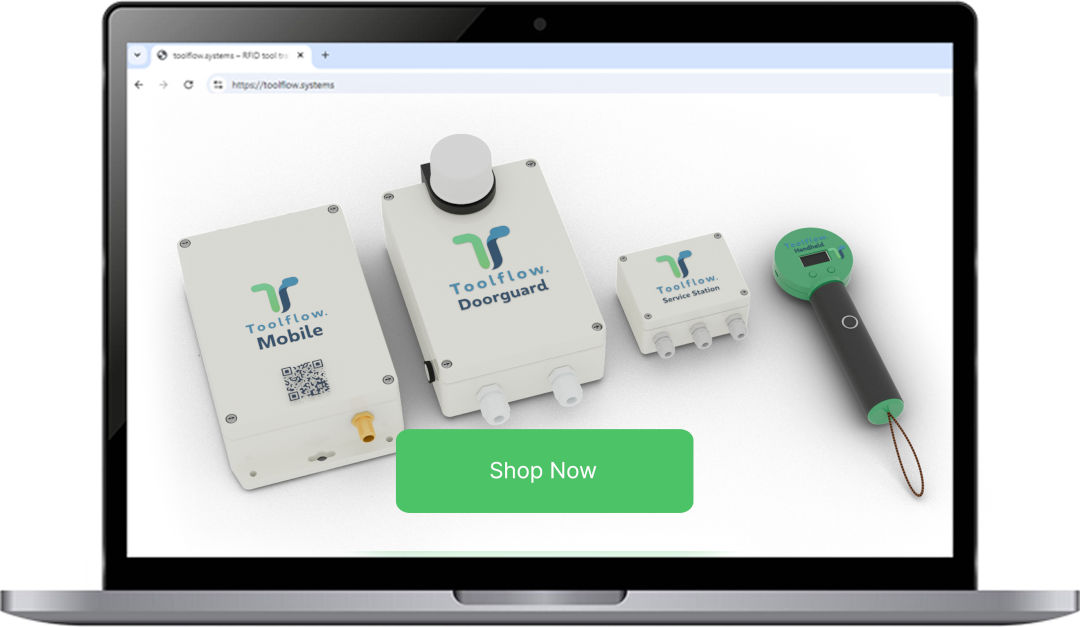
Shop any ToolFlow hardware at shop.mitkov-systems.de
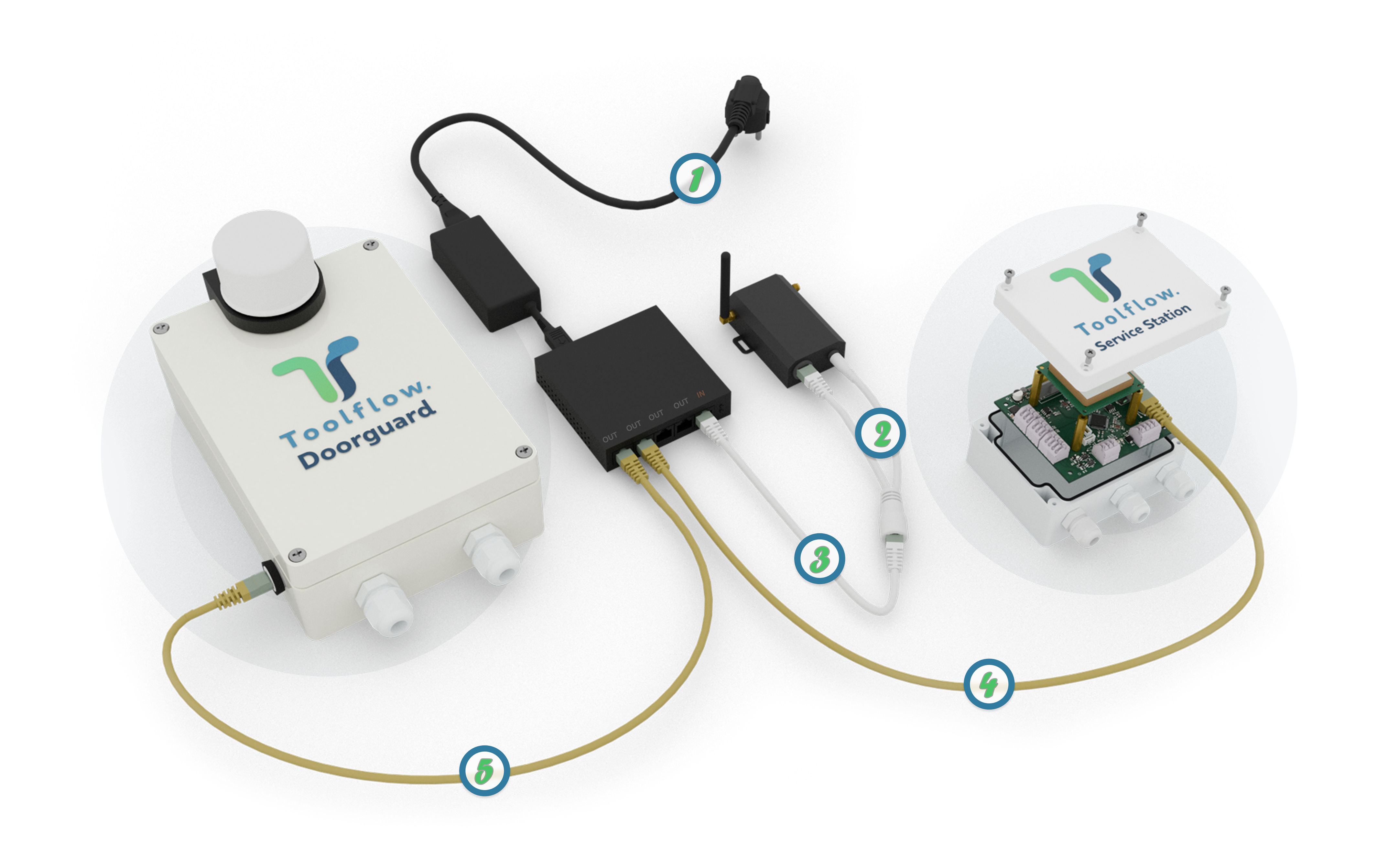

Mount and wire the ToolFlow PoE system.

Power Supply the switch

Connect both cables of the splitter to the 4G Router

Connect other side of the splitter with “IN” port of the switch

Connect “OUT” ports of the switch with the “ToolFlow PoE” network ports

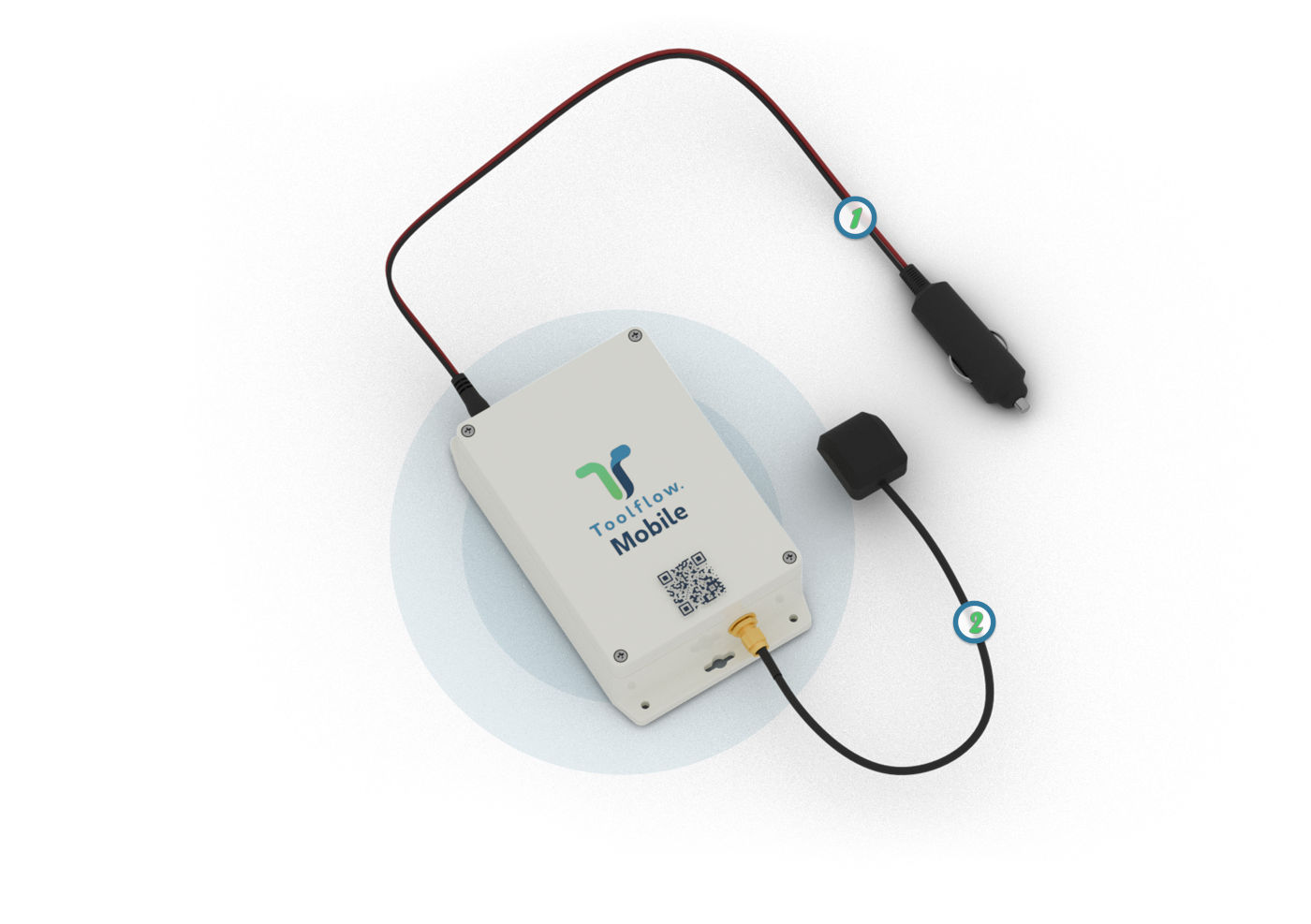
Mount and wire the ToolFlow Mobile system.
Power Supply to the car cigarette lighter
Connect the external antenna
/ System Configuration
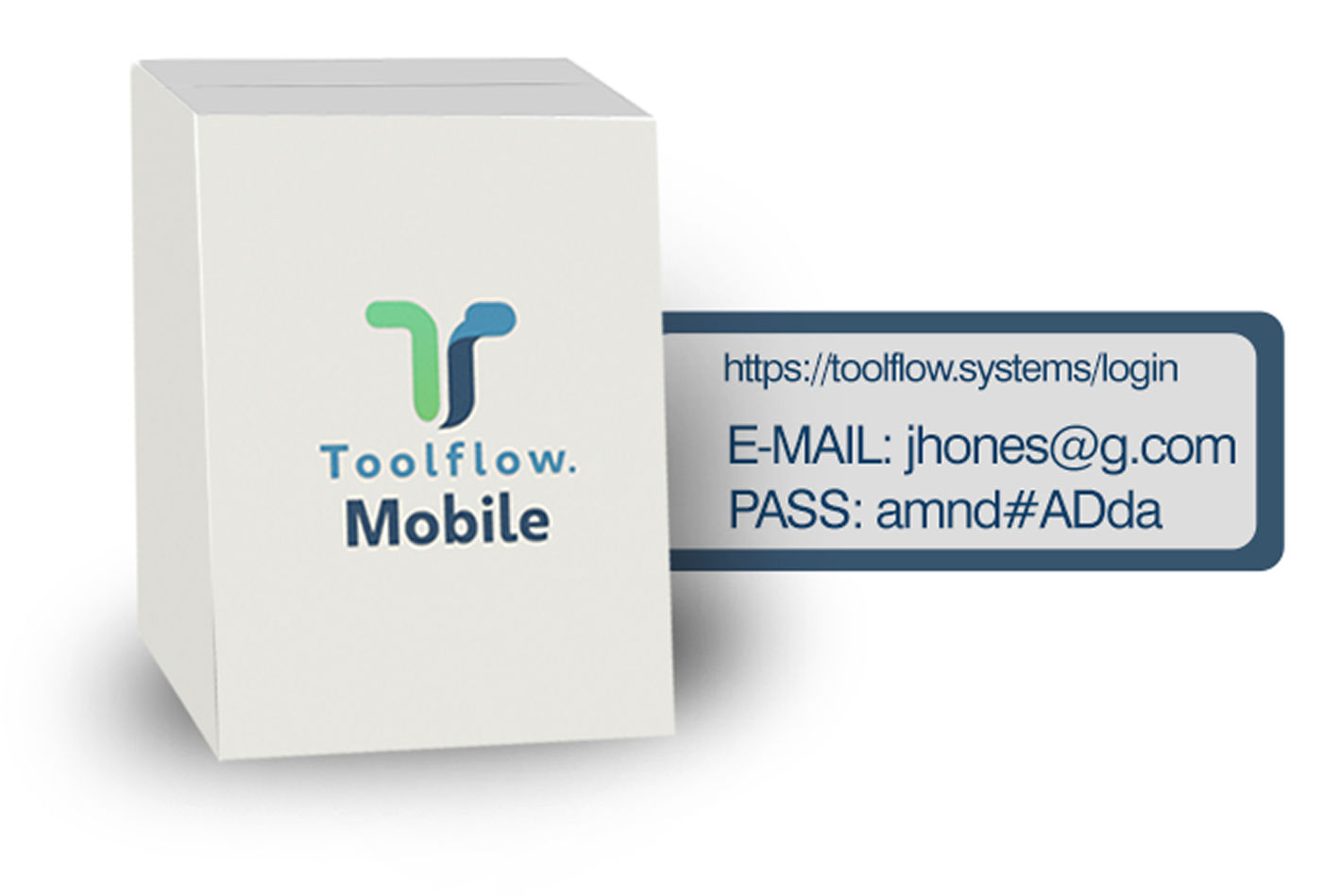

Use provided email and password to log in the toolflow.system

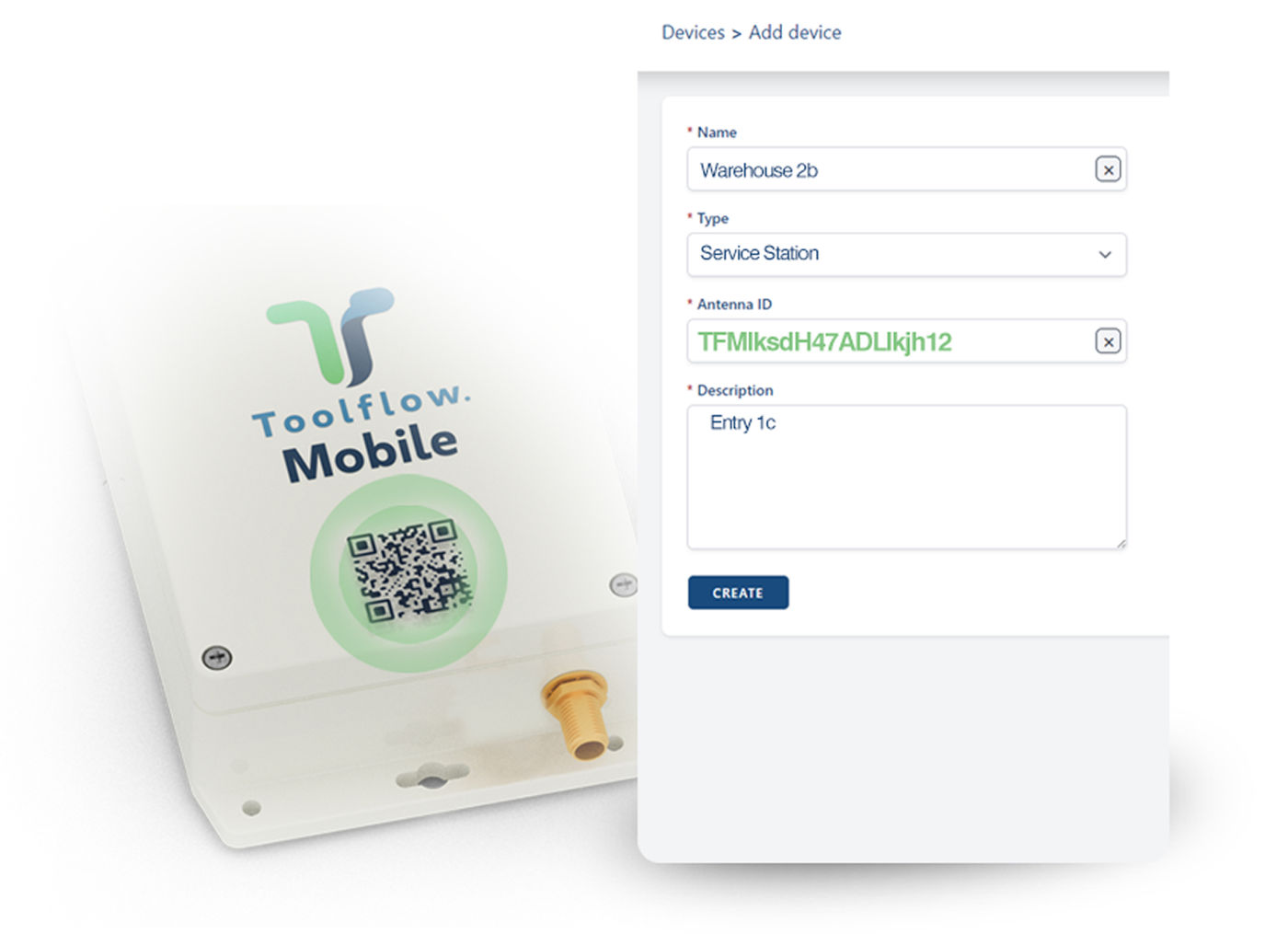
Scan QR code to add your device in the system automatically
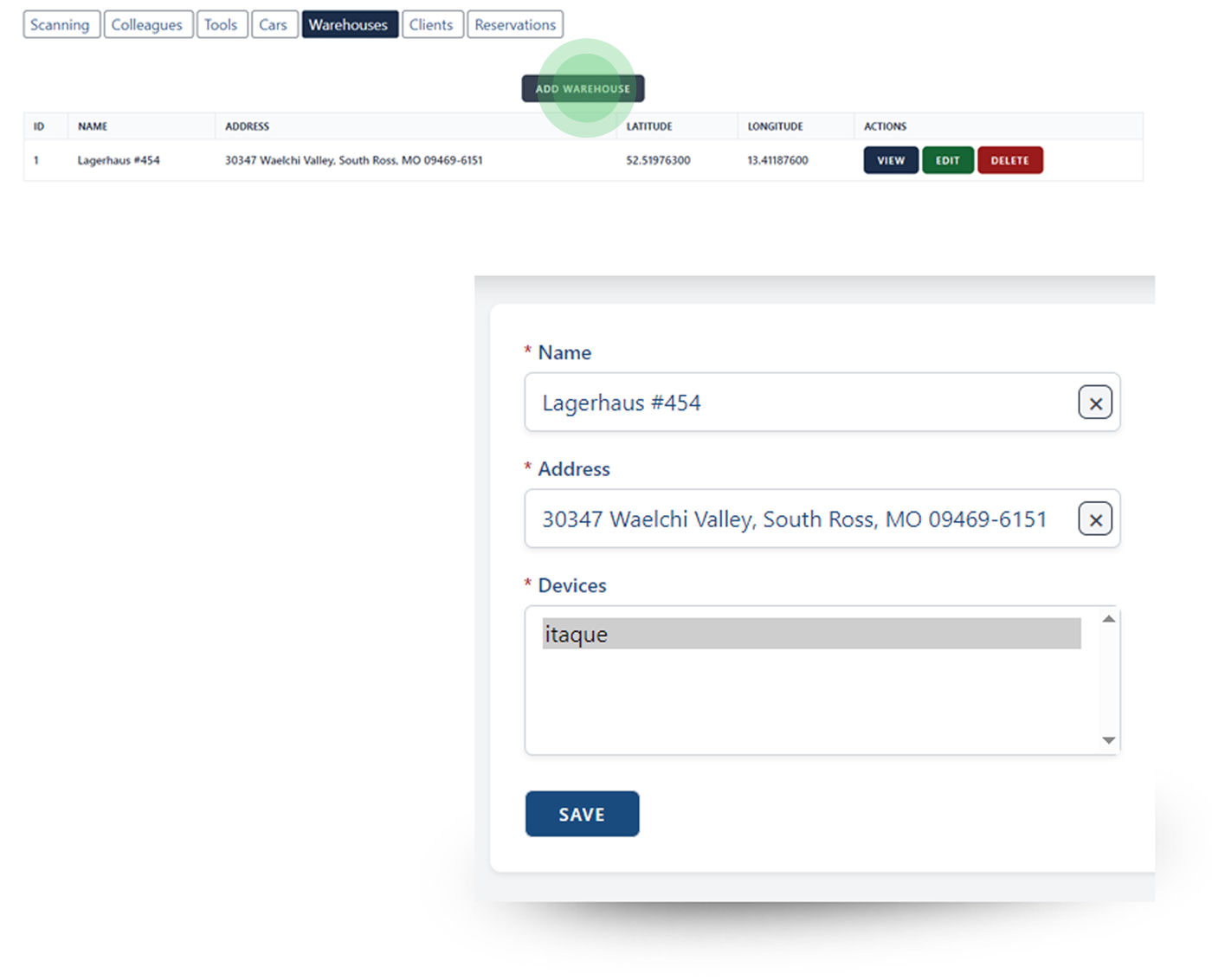

Add warehouses and cars

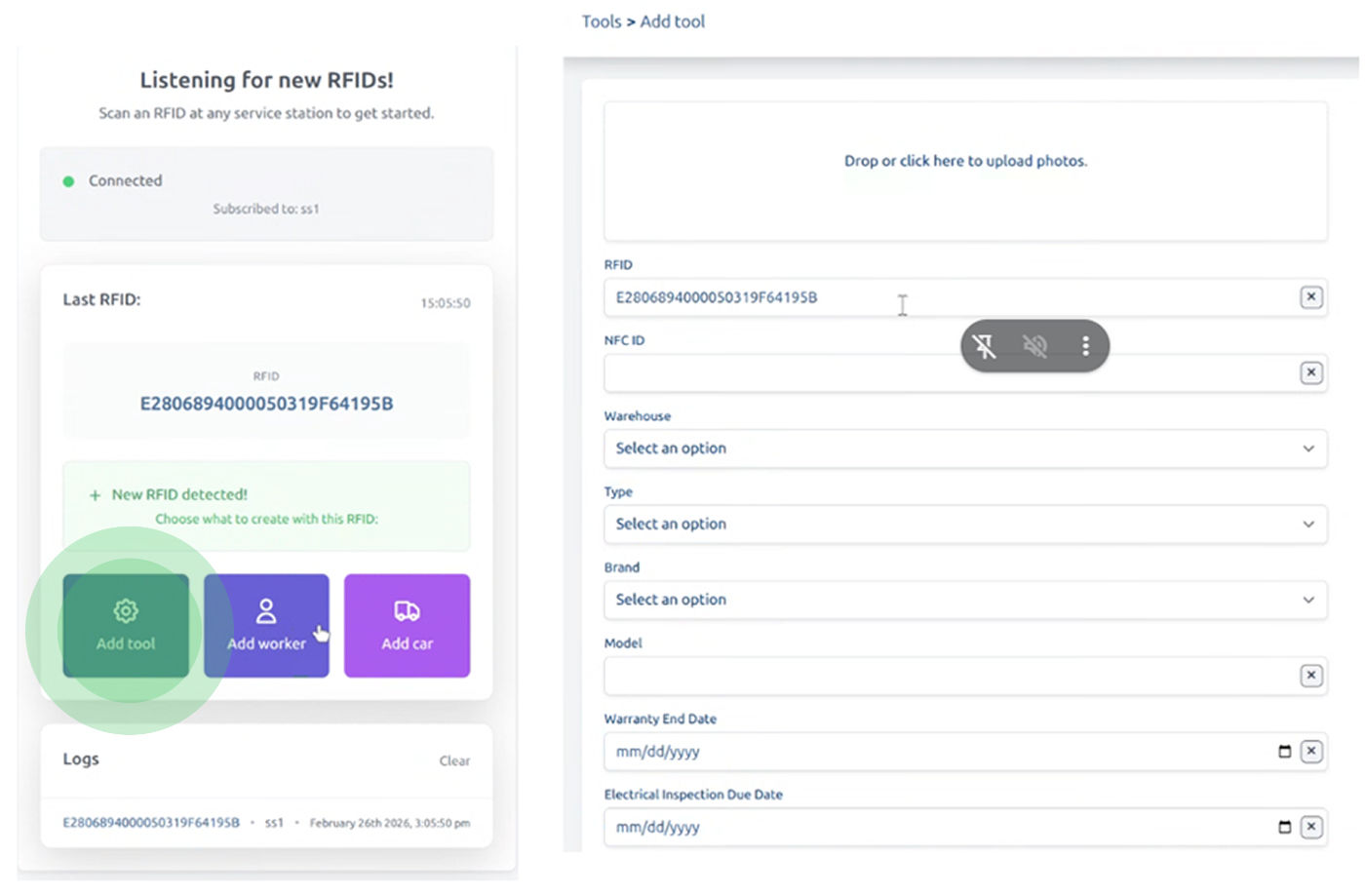
Add tools and colleagues
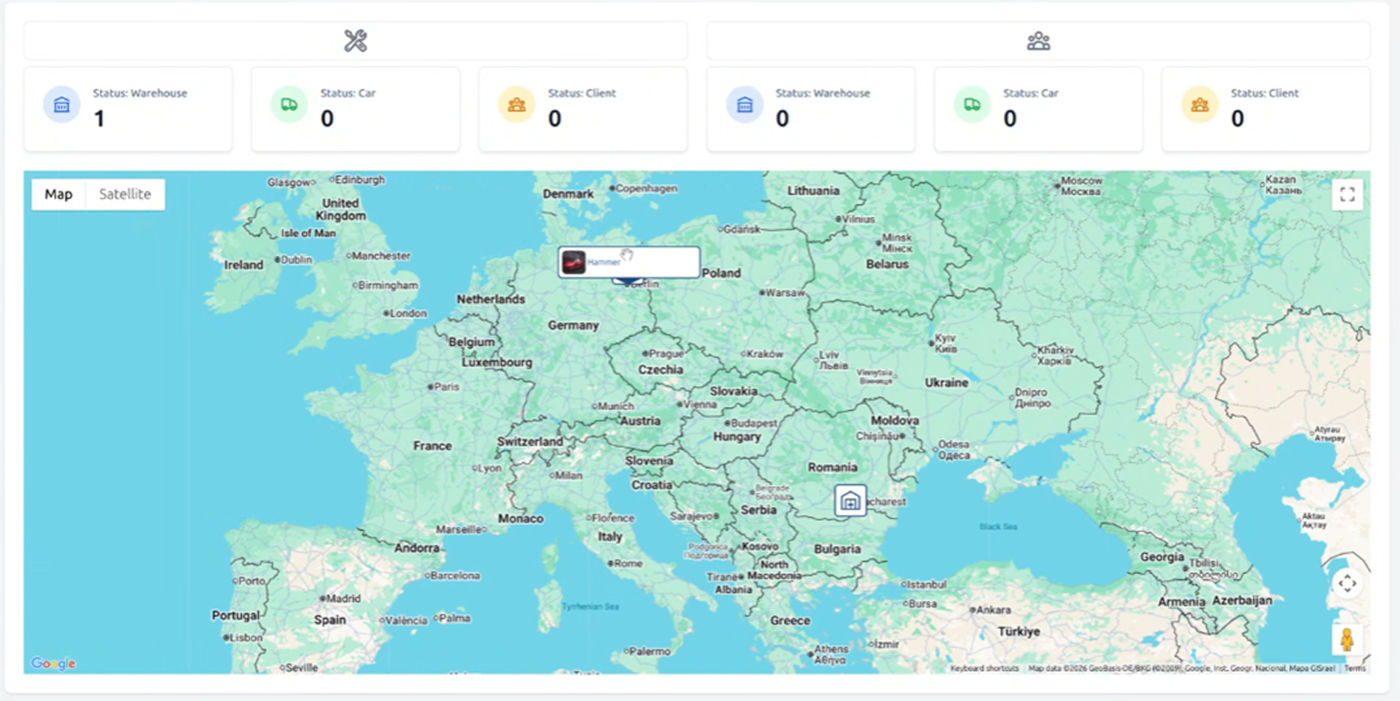

You are done!